Ad-Hoc Visit — Just Record the Day
You're already at the park. No prior planning. Just capture everything as it happens.
Before You Start
- ParQwish Pal (mobile app) installed on your phone
- A few minutes at the park entrance to create a quick trip
Steps (8)
Set today's date and add yourself as a trip user.
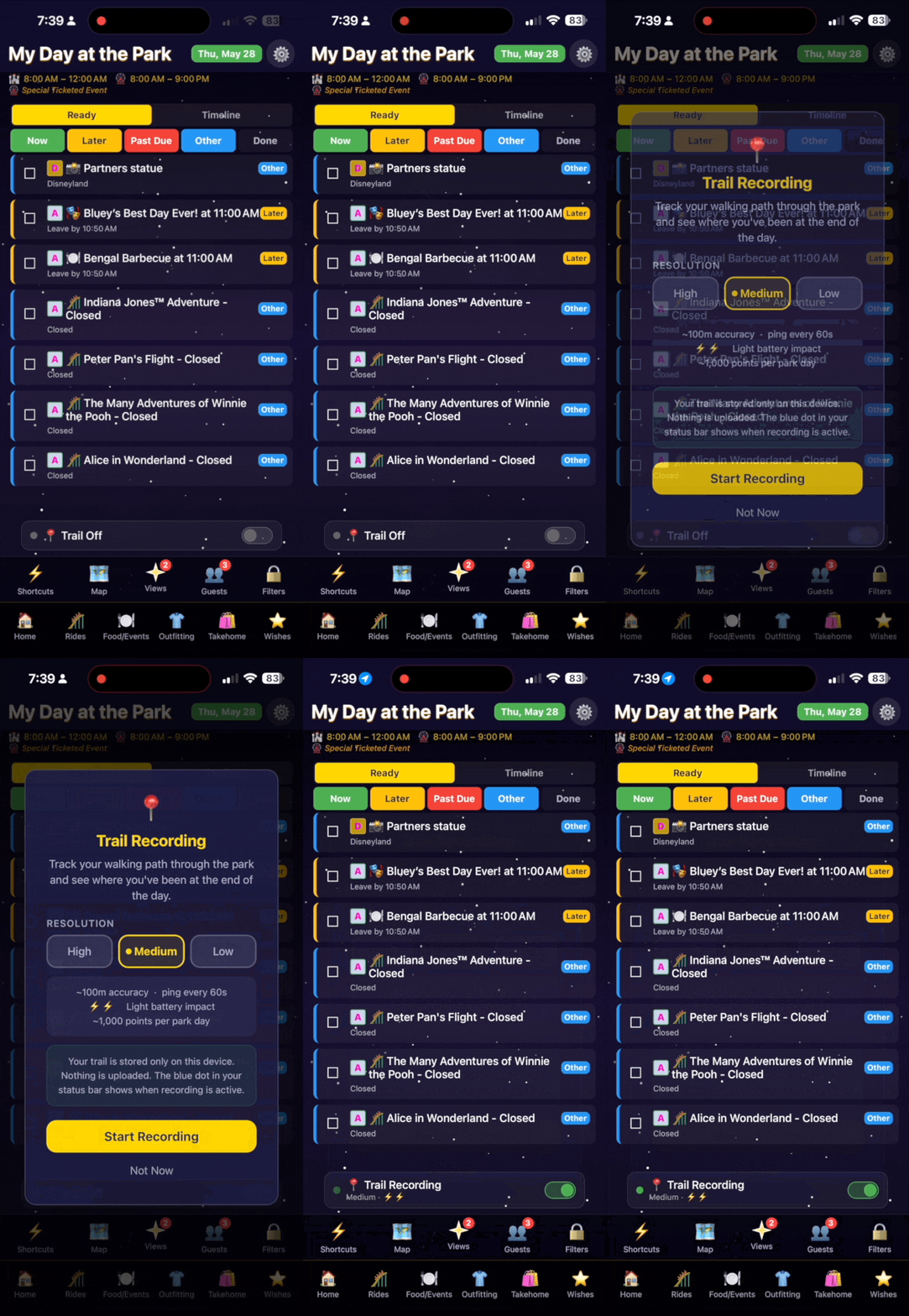
Open Settings and use the date picker to select today. Add your name as a trip user if you haven't already — this stamps your rides, dining, and photos for the day.
Enable GPS trail recording immediately.
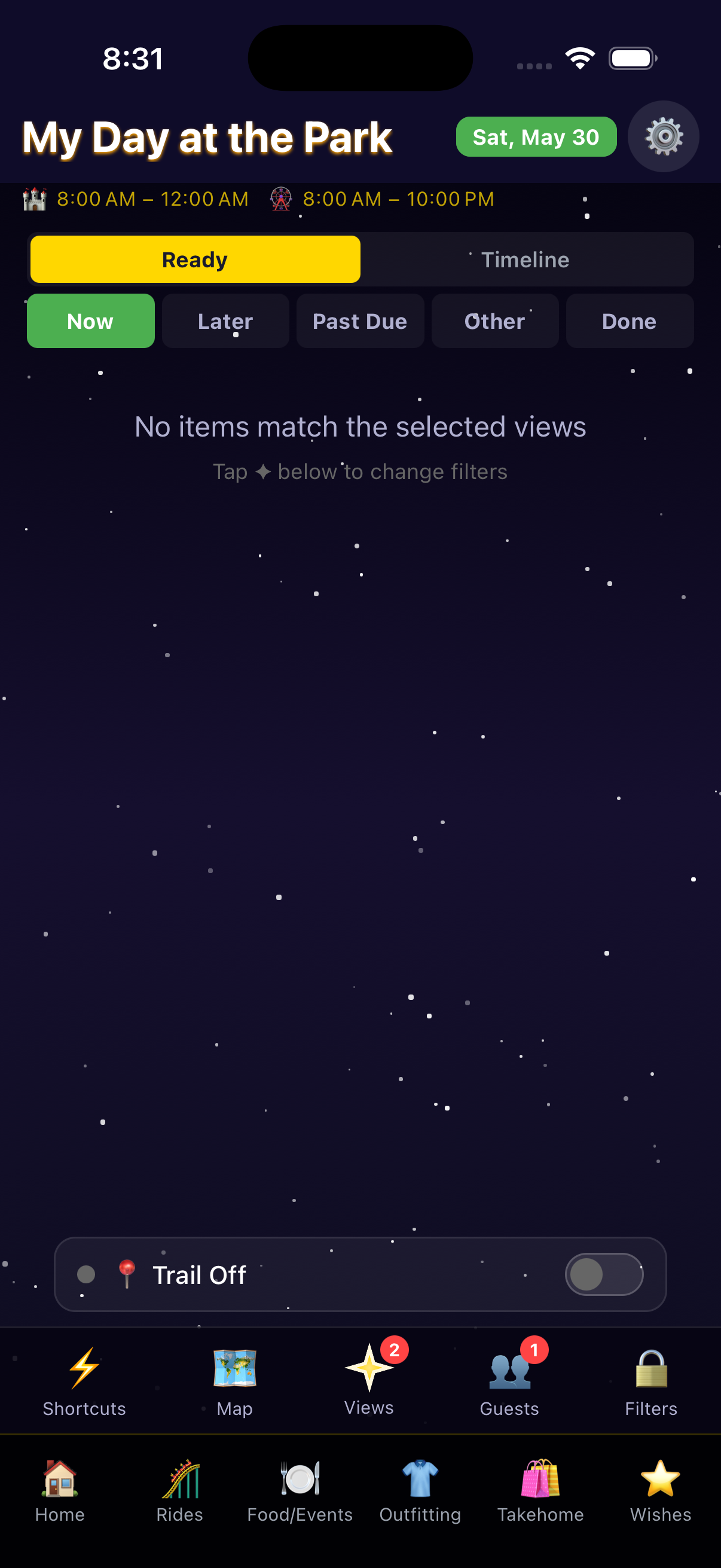
Settings › GPS Trail › Start Recording. Choose Low resolution if you're worried about battery — it still gives a clear park trail. The app records in the background while you enjoy the park.
Browse live wait times and tap a ride to add it to your day as you decide to ride it.
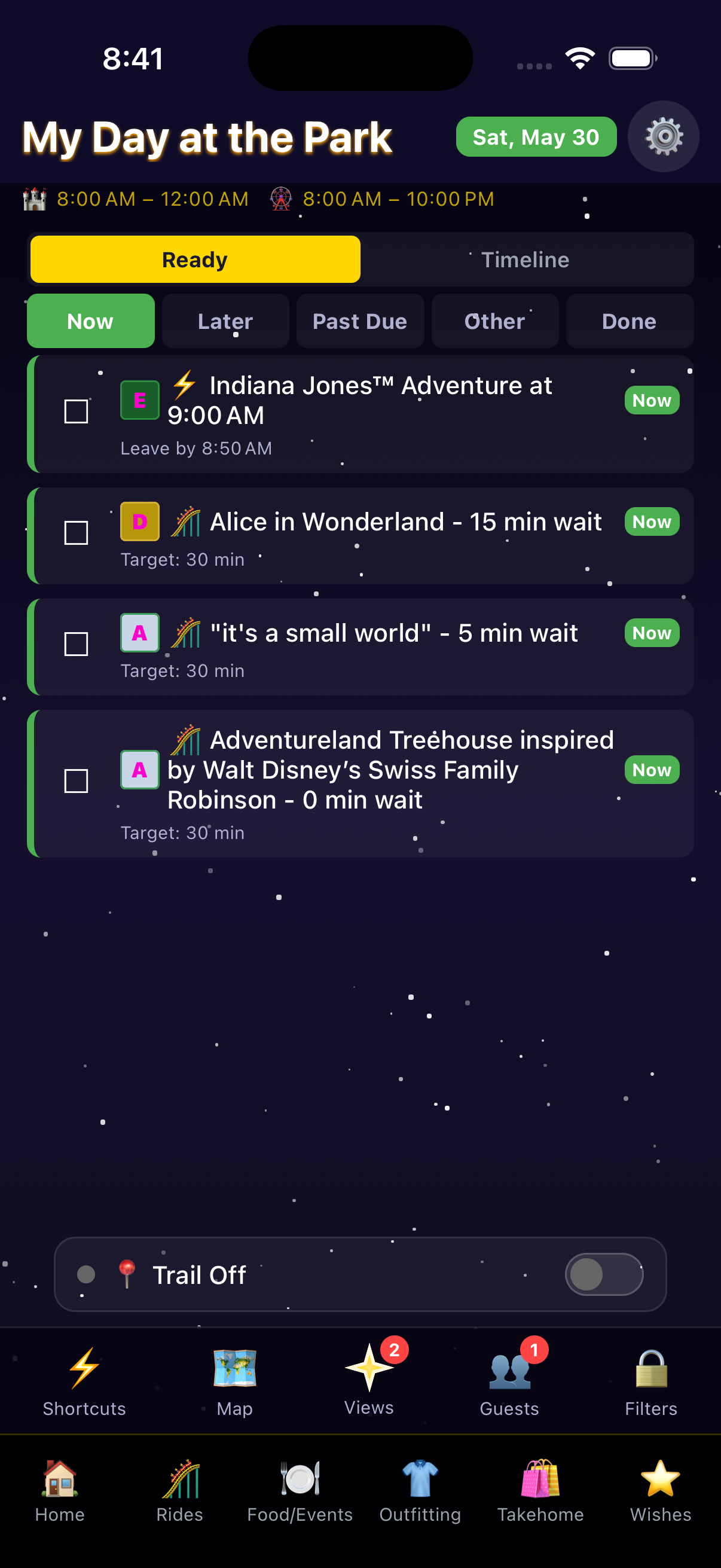
No pre-built wish list needed. The Rides screen shows all current wait times. When you join a queue, tap the ride and hit 'Add to Today' — it appears on your Home timeline.
Mark each activity complete as you finish it and add photos on the spot.
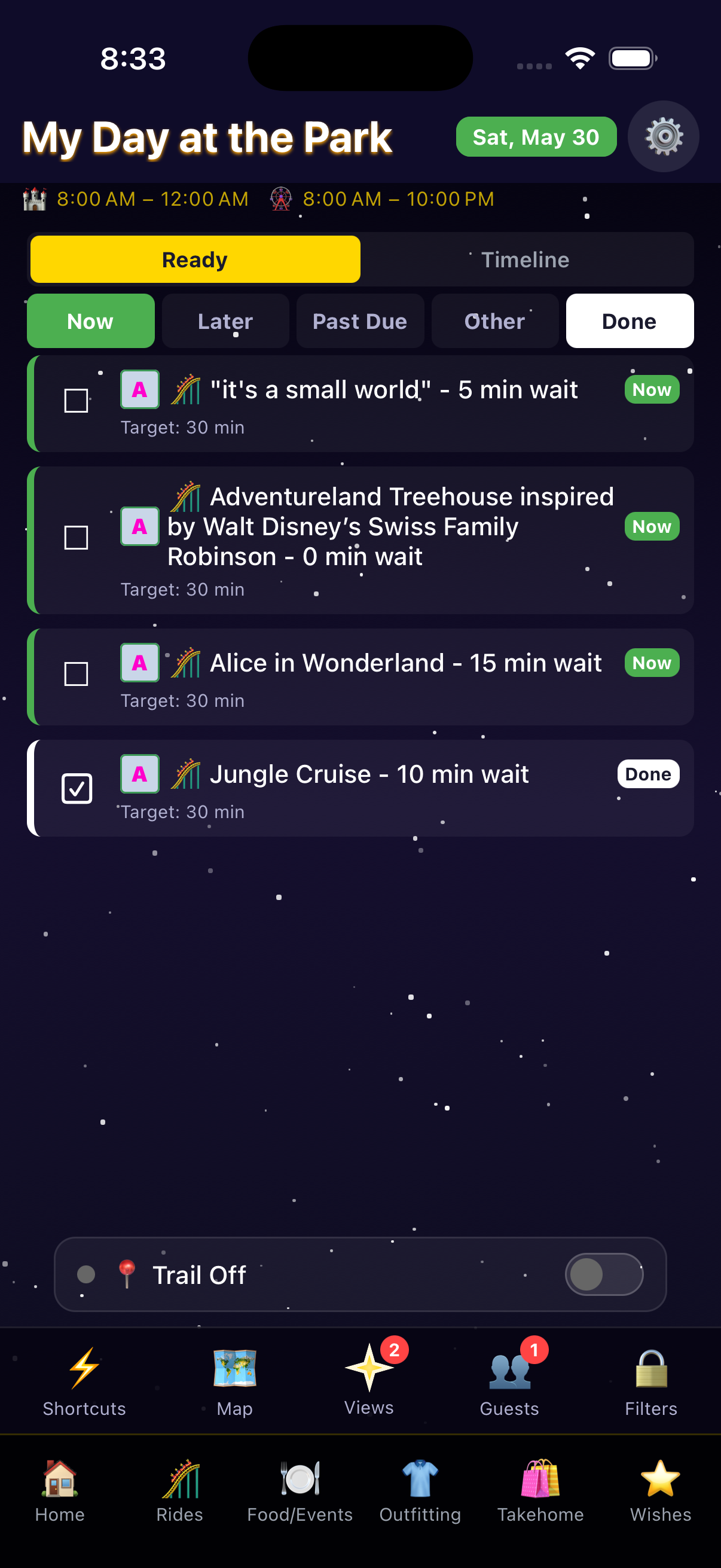
Tap any item on your timeline and hit the checkmark. Tap the camera icon to attach a photo right away — in-park photos are easiest to capture while the memory is fresh.
If you score a walk-up dining spot, log it with the time so it appears on your timeline.
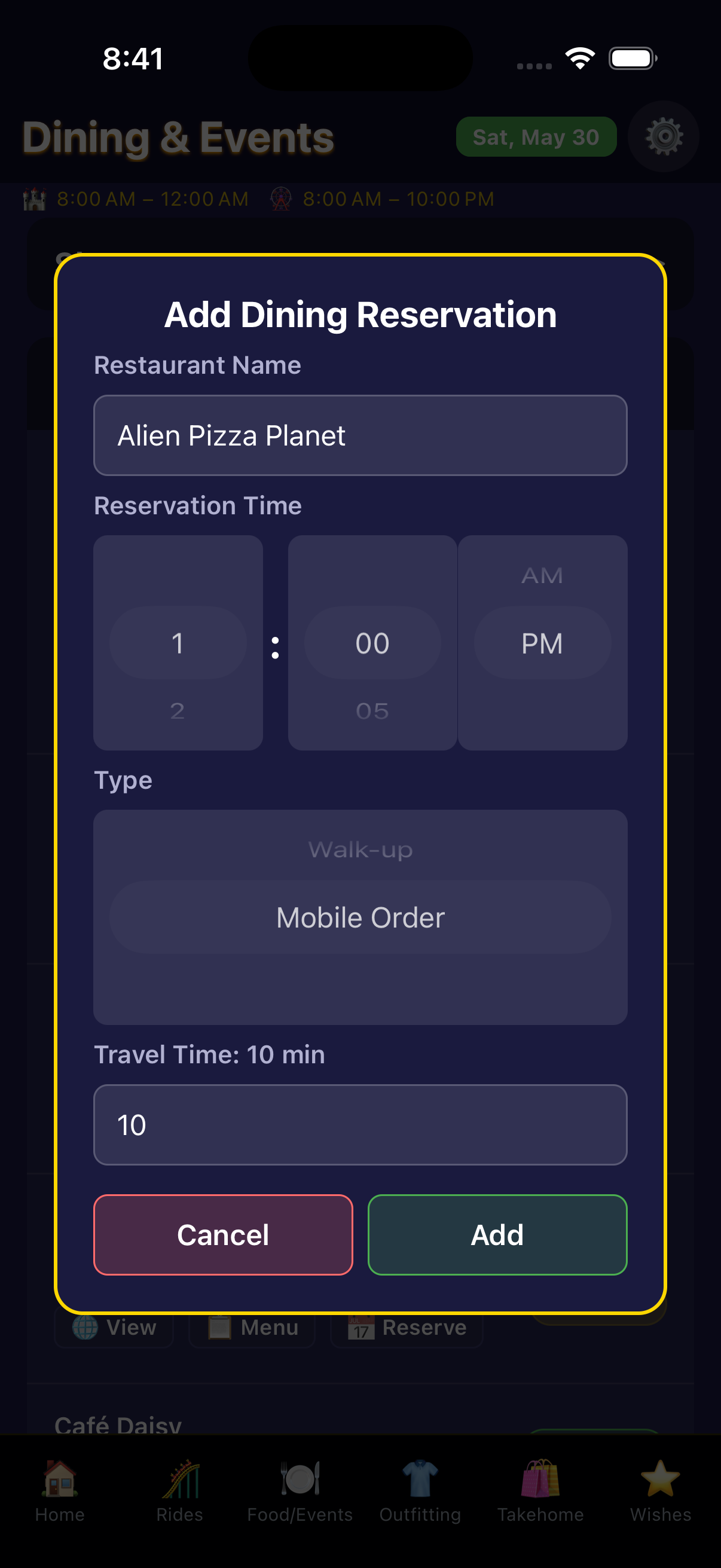
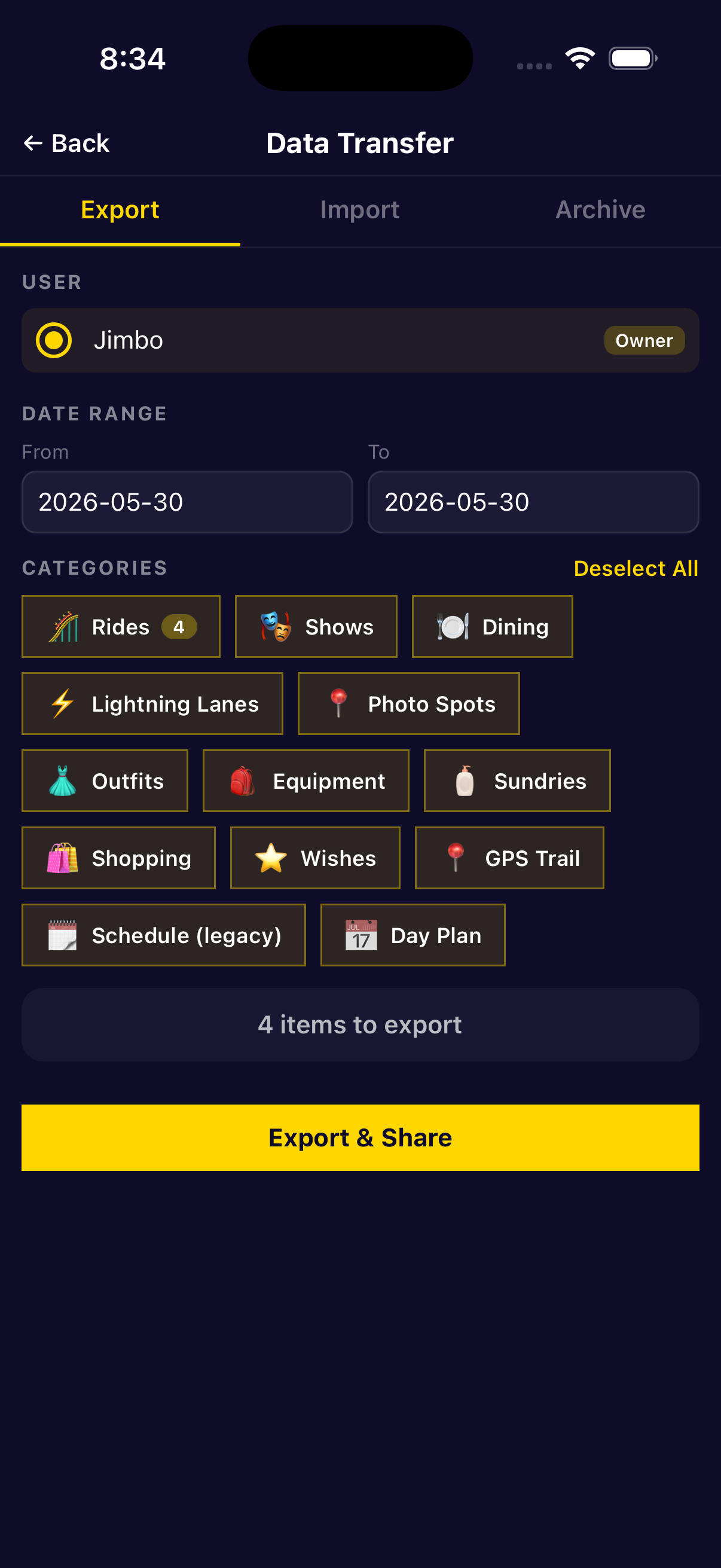
Export your day file when you leave the park.
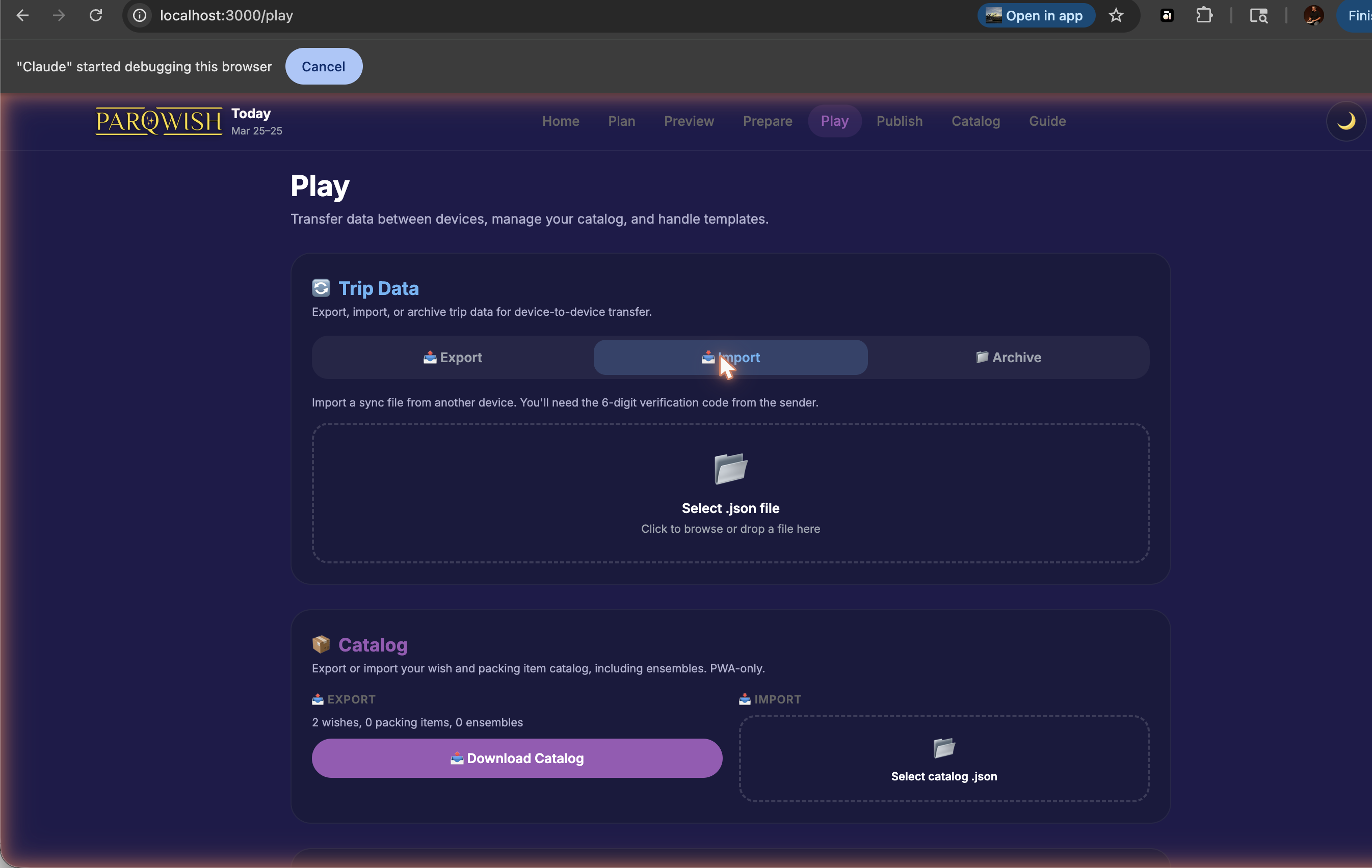
Import your day file on your desktop.
Explore your day — GPS trail, photos, and everything you logged — then export a recap PDF.
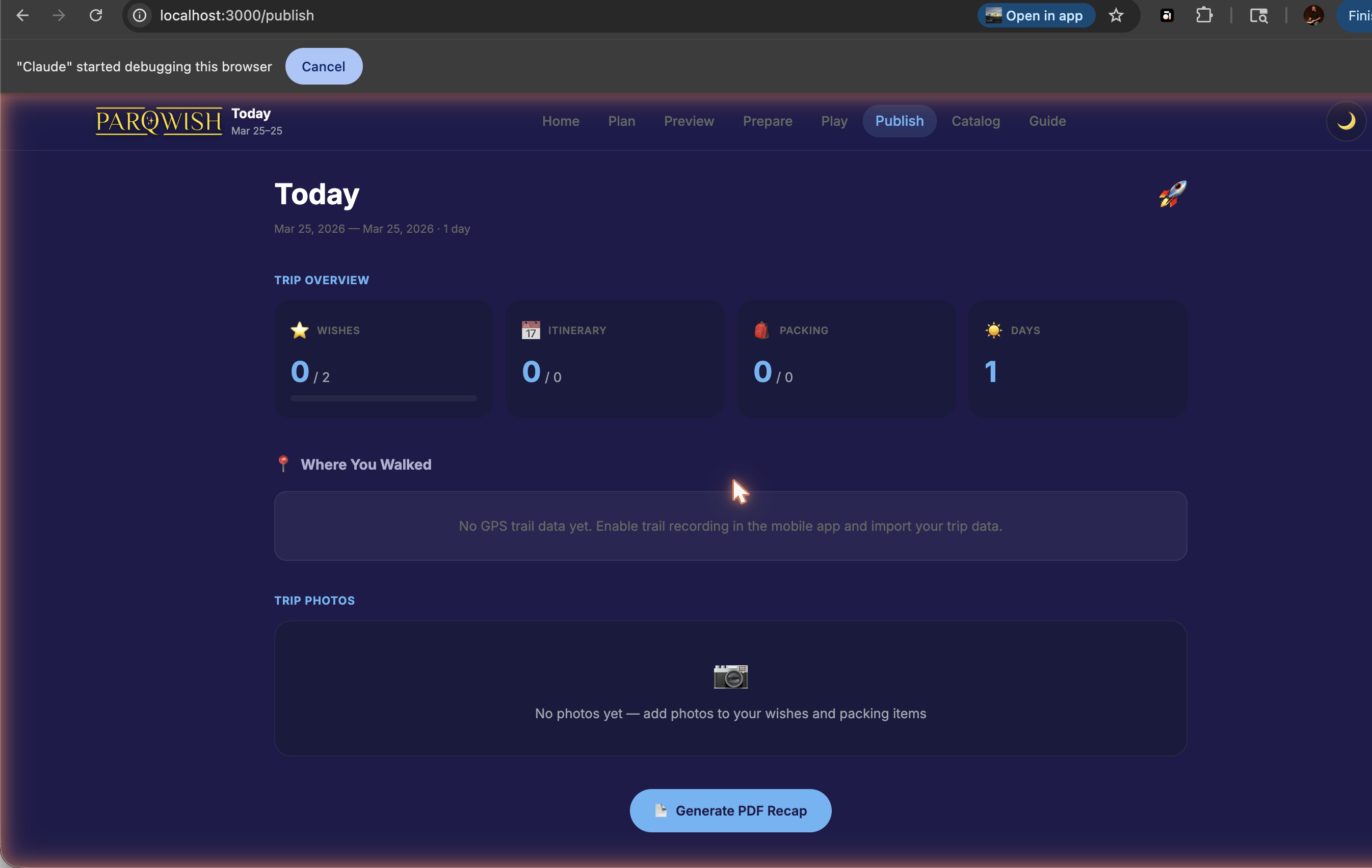
A spontaneous day fully documented: GPS trail of everywhere you went, photos and ride completions logged in real time, recap PDF ready to share.