Post-Trip Recap
The trip is over. Review what you did, clean up the record, and export a keepsake.
Before You Start
- ParQwish Pal (mobile app) with your trip data from the visit
- ParQwish Planner (PWA) open on your desktop
Steps (7)
Do a final export from your phone to capture everything from the visit.
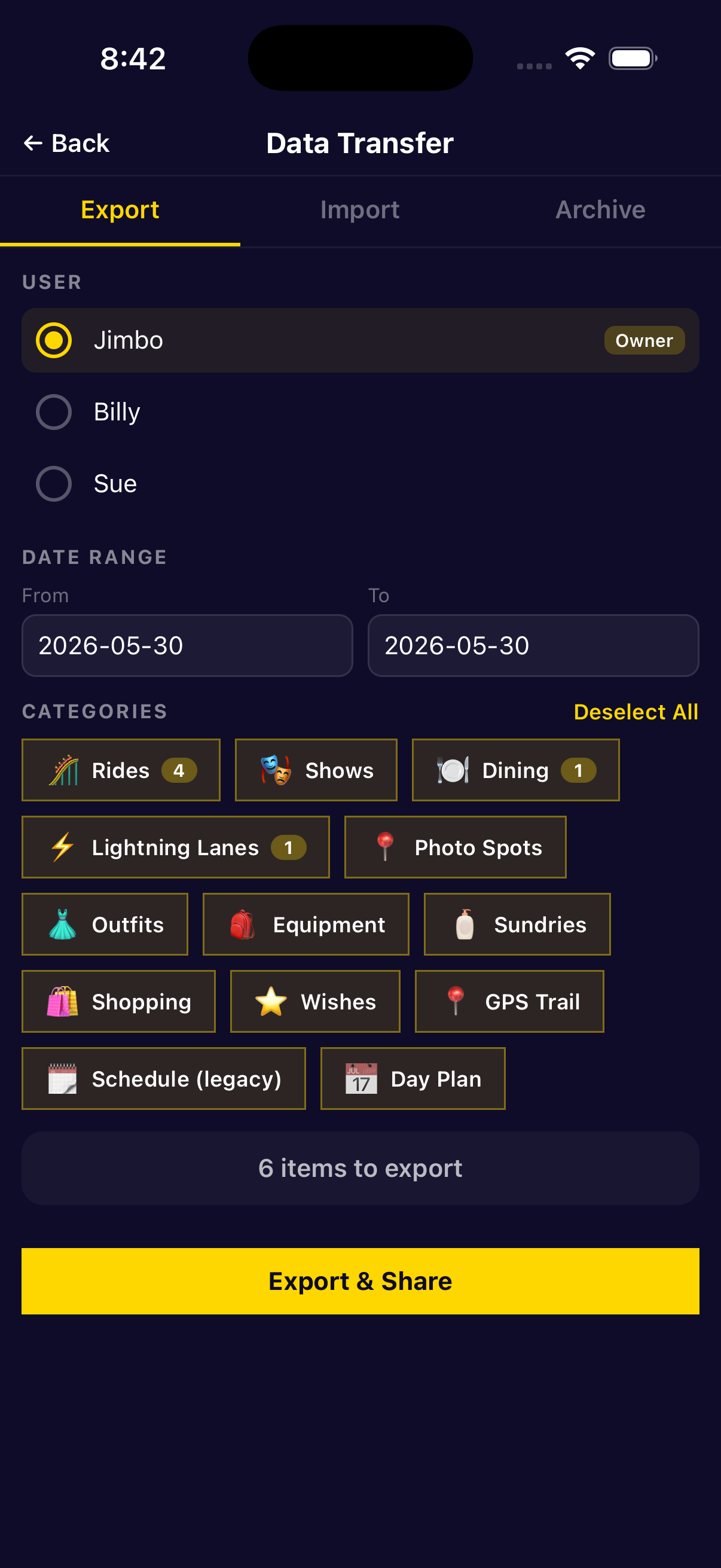
Include all categories: rides, shows, dining, wishes, photos, and GPS trail. Share the file to your desktop via AirDrop, email, or Files.
Import the sync file into the PWA.
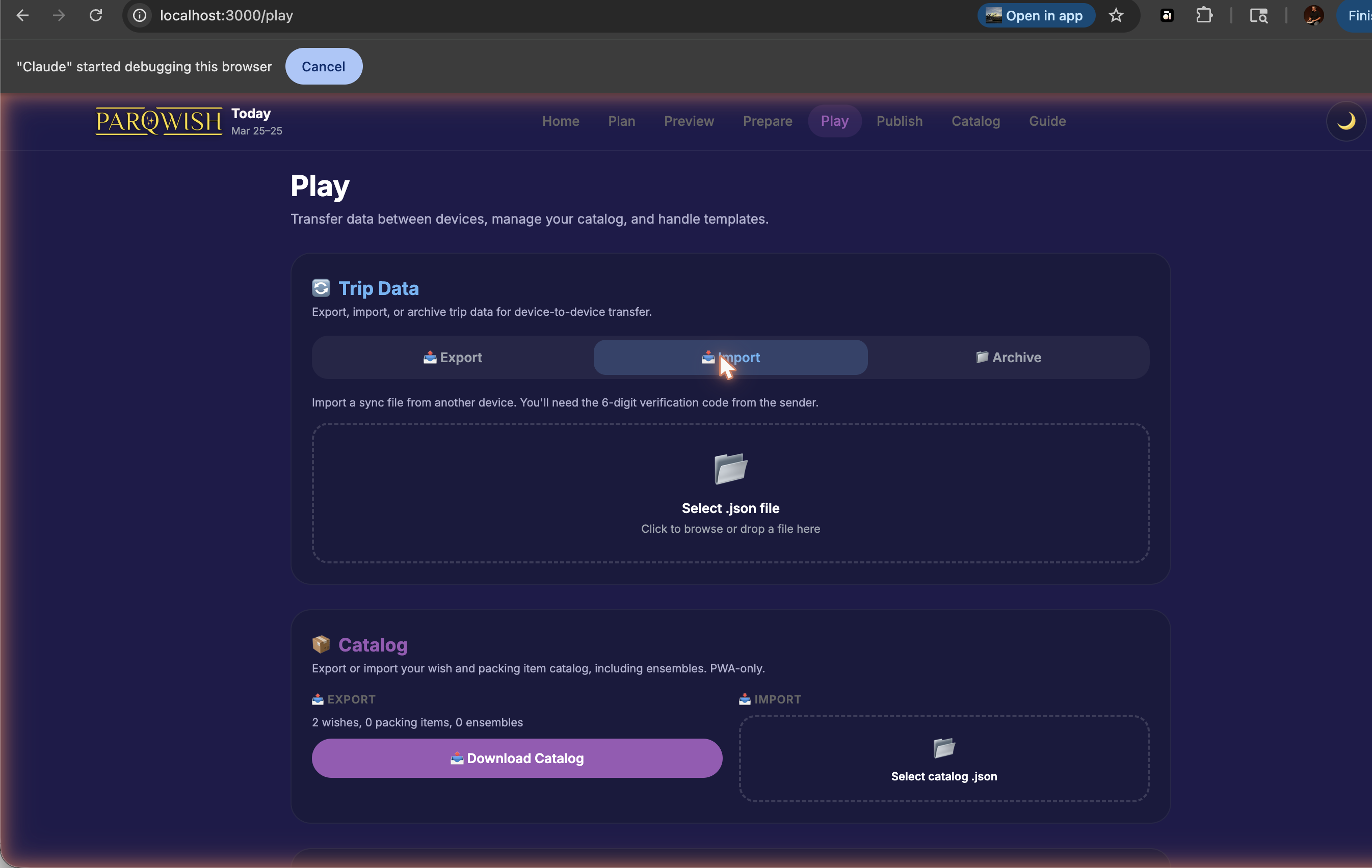
Use Merge mode if you've already imported partial data during the trip. Use Replace only if this is a clean first import and you want to start fresh.
Cleanup: review and correct the timeline before publishing.
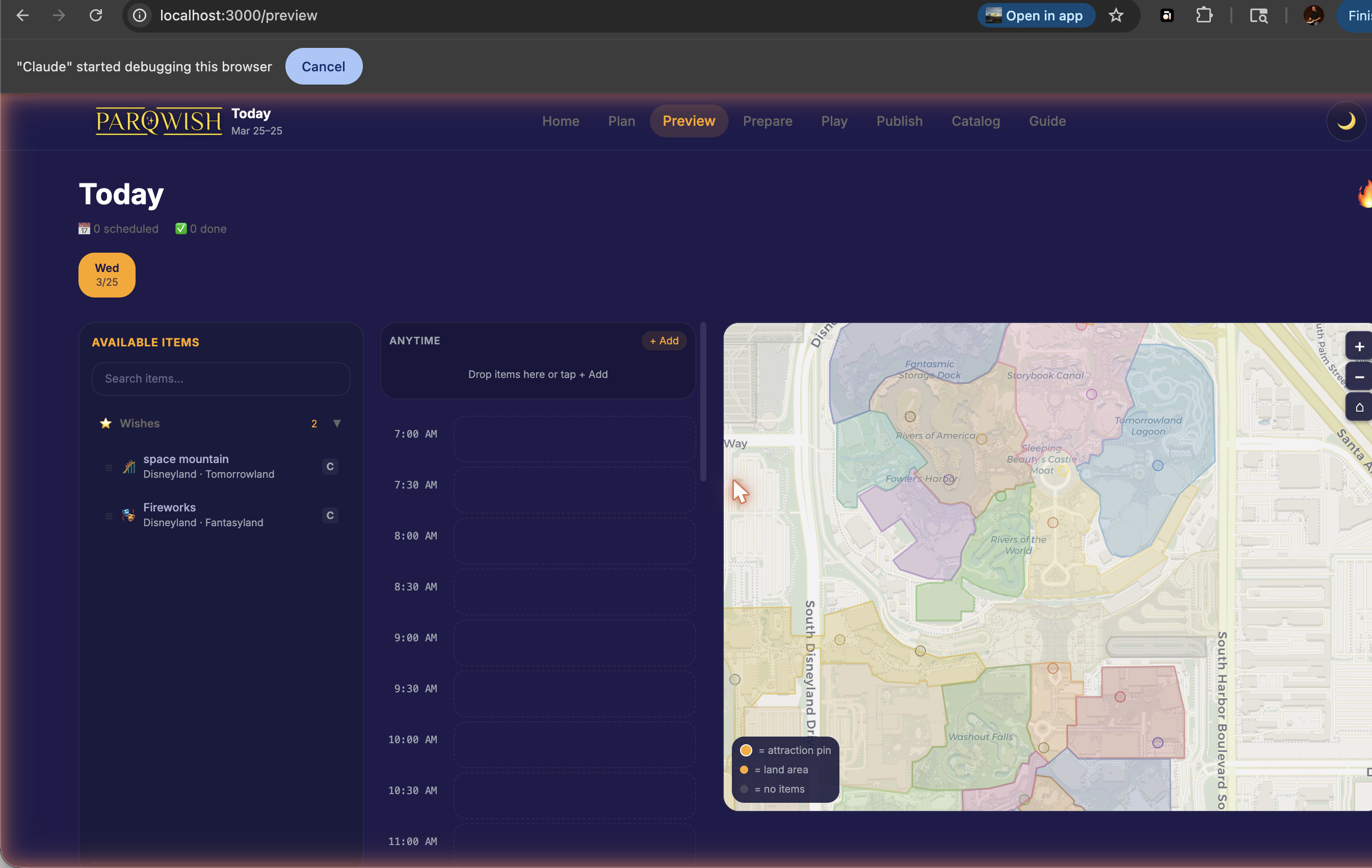
Open Preview and check each day's timeline. Fix any items that were logged at the wrong time, remove duplicates, or add notes to items you forgot to mark during the visit. This is your last chance to tidy the record before generating the recap.
Add, remove, or reorder trip photos in the photo gallery.
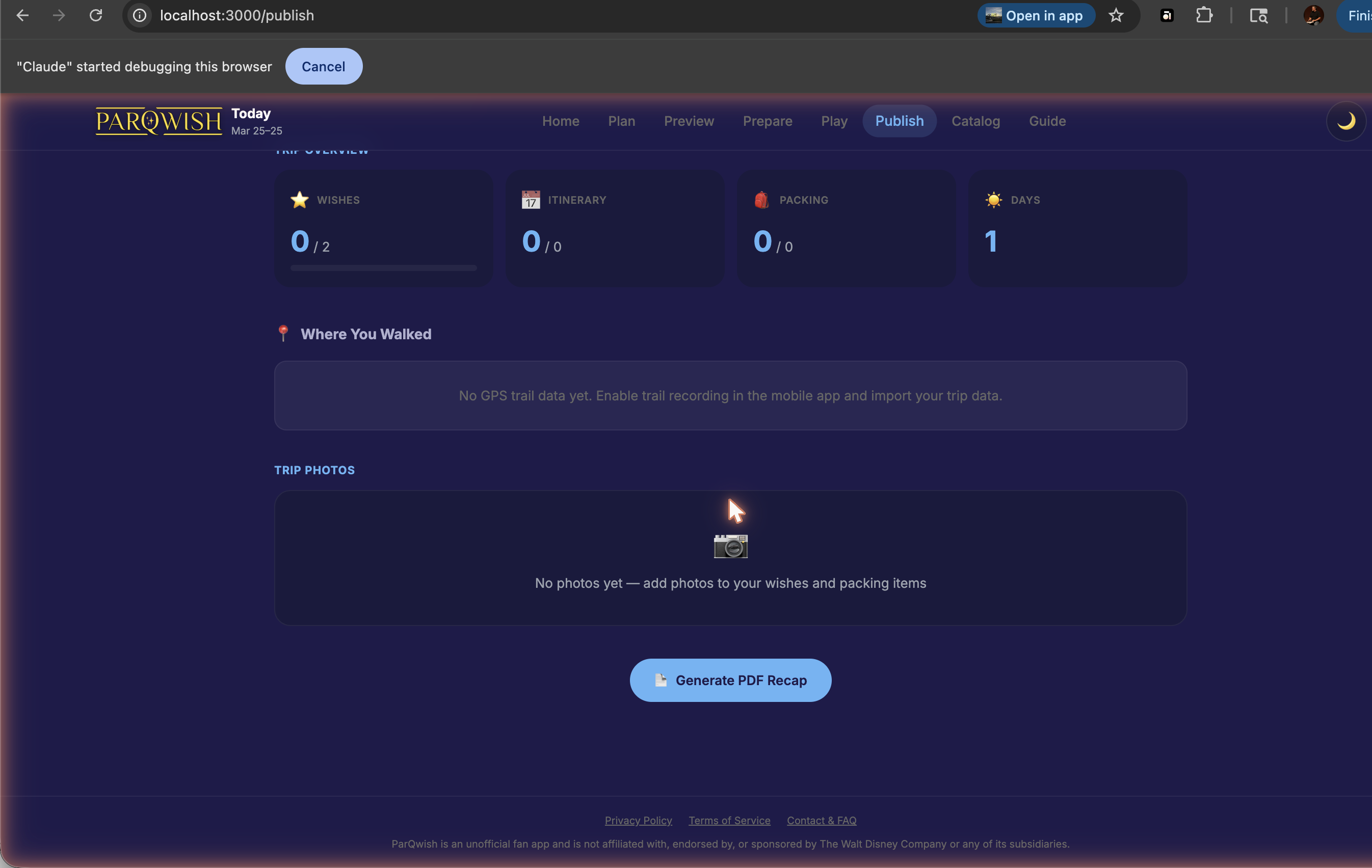
The photo gallery pulls in all photos attached to items during the visit. You can add additional photos from your camera roll, remove any you don't want in the recap, and reorder them. These photos appear in the PDF export.
Review your trip stats: completion rates, time spent per park, top lands visited.
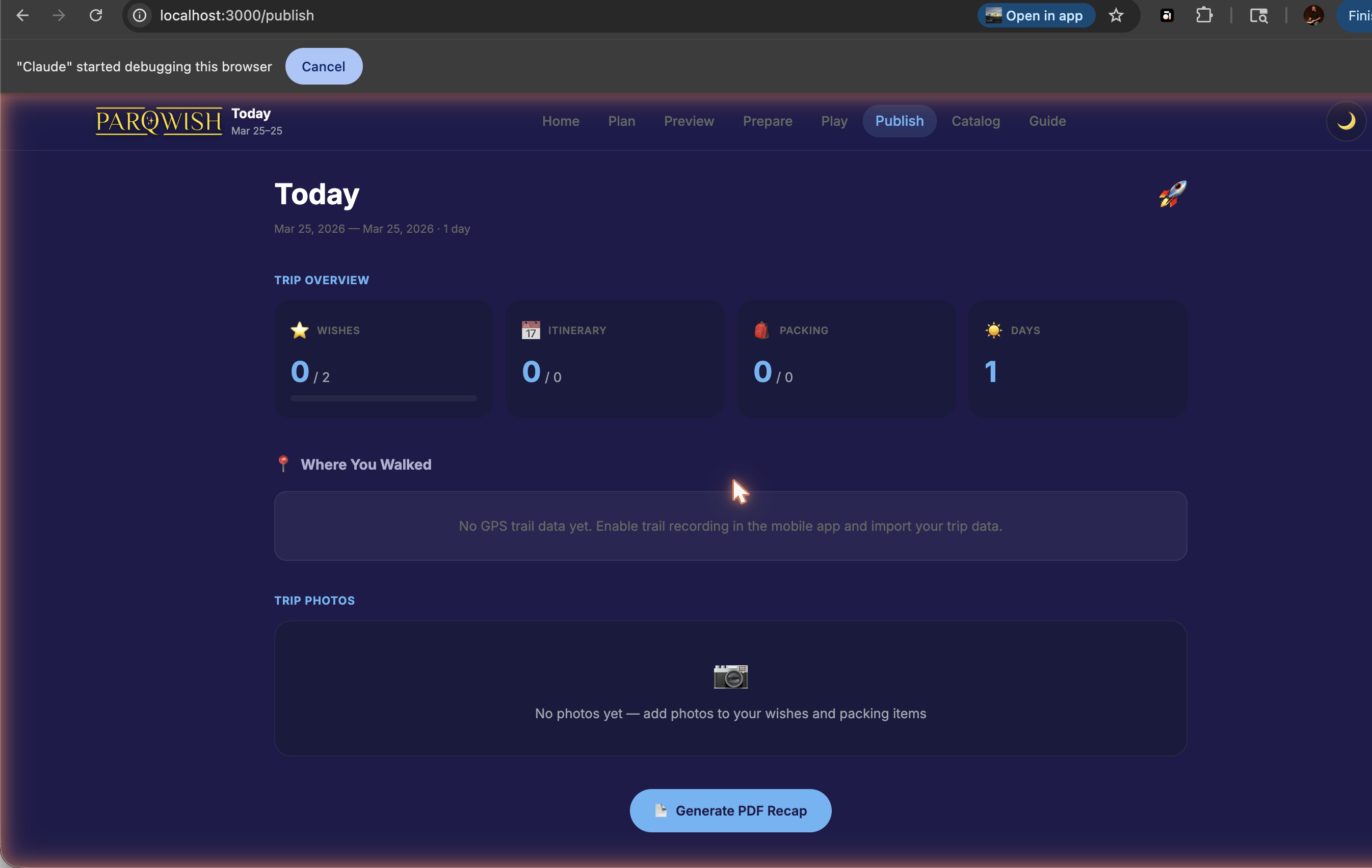
The stats page shows how many items you completed vs. planned, a breakdown by park, and your top 8 most-visited lands. These pull from all imported data across all days.
Watch your GPS trail playback — see exactly where you walked each day.
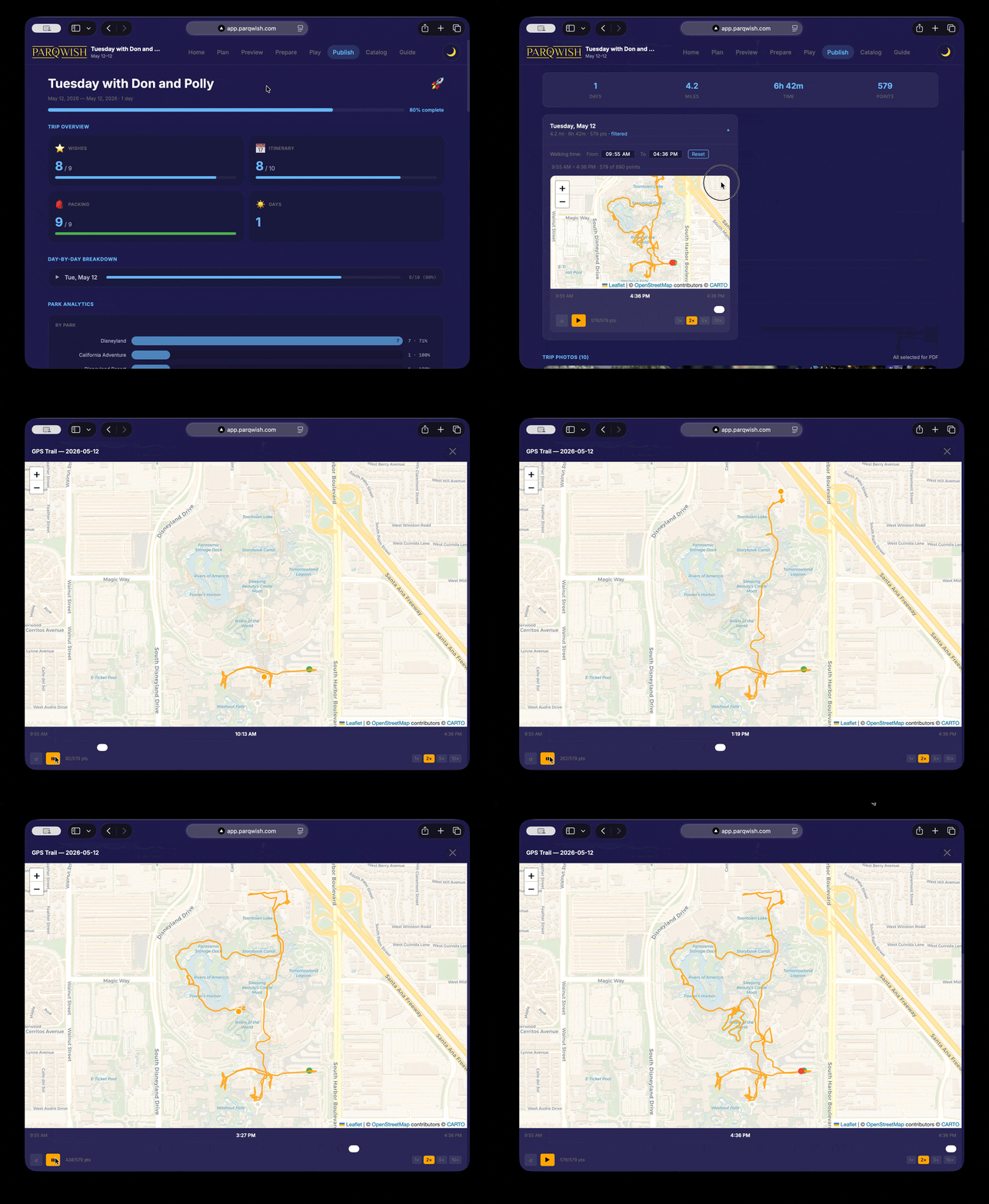
Each day's trail plays back on the park map with a moving dot. Use the speed controls (1×, 2×, 5×, 10×) to fast-forward through quieter parts. Completed items appear as colour-coded pins at the point on the trail where you were when you logged them.
Export your PDF recap — one map page per day, all completed items plotted.
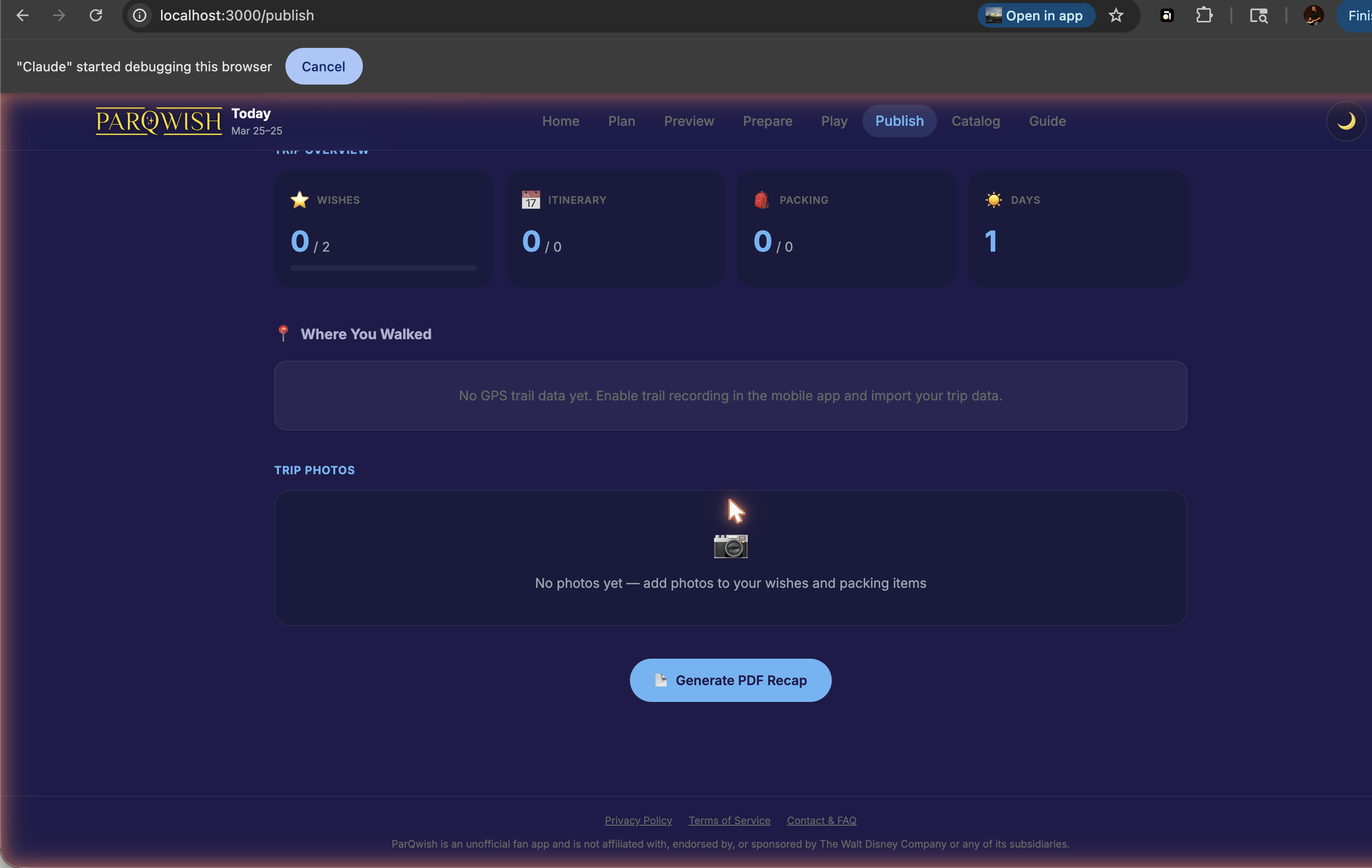
The PDF includes: trip header with dates, stat cards, day-by-day item breakdown, park analytics, photo gallery, and one full resort map per day showing your GPS trail and every completed item as a colour-coded pin with its time and name.
A polished, corrected trip record with a shareable PDF featuring day-by-day breakdowns, the full photo gallery, and a resort map showing your complete trail.