Family Multi-Day Trip
Multiple people, multiple days — everyone has their own wishlist.
Before You Start
- ParQwish Planner (PWA) open on your desktop or tablet
- ParQwish Pal installed on each person's phone (or share one device)
- A trip created in the PWA with the correct start and end dates
Steps (10)
Open the family member panel and add everyone going on the trip.
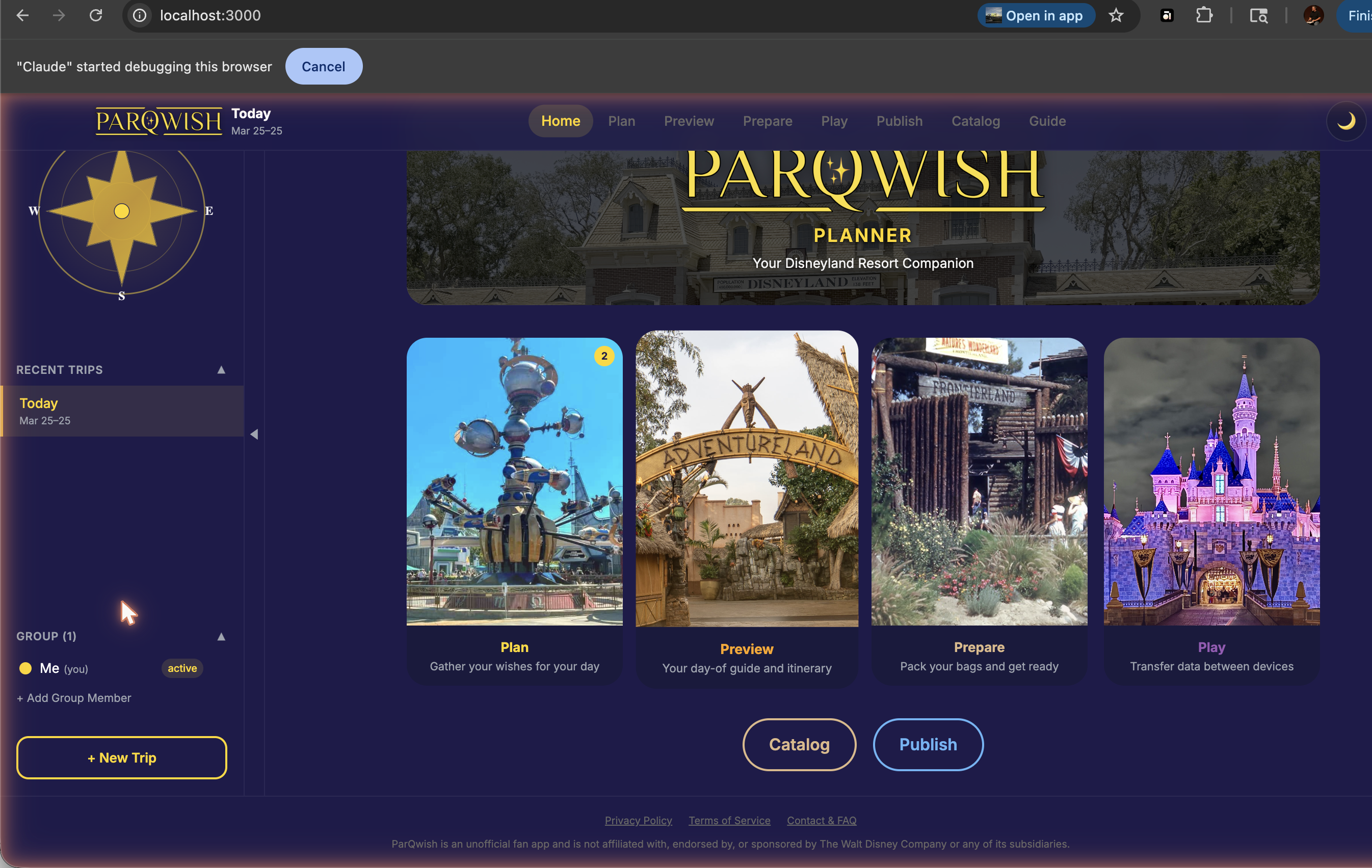
Tap the people icon in the sidebar. Add up to 6 members, each with a name and a colour. The primary user is created automatically — add guests for each additional person.
Add wishes for each family member. Use the user filter to see one person's list at a time.
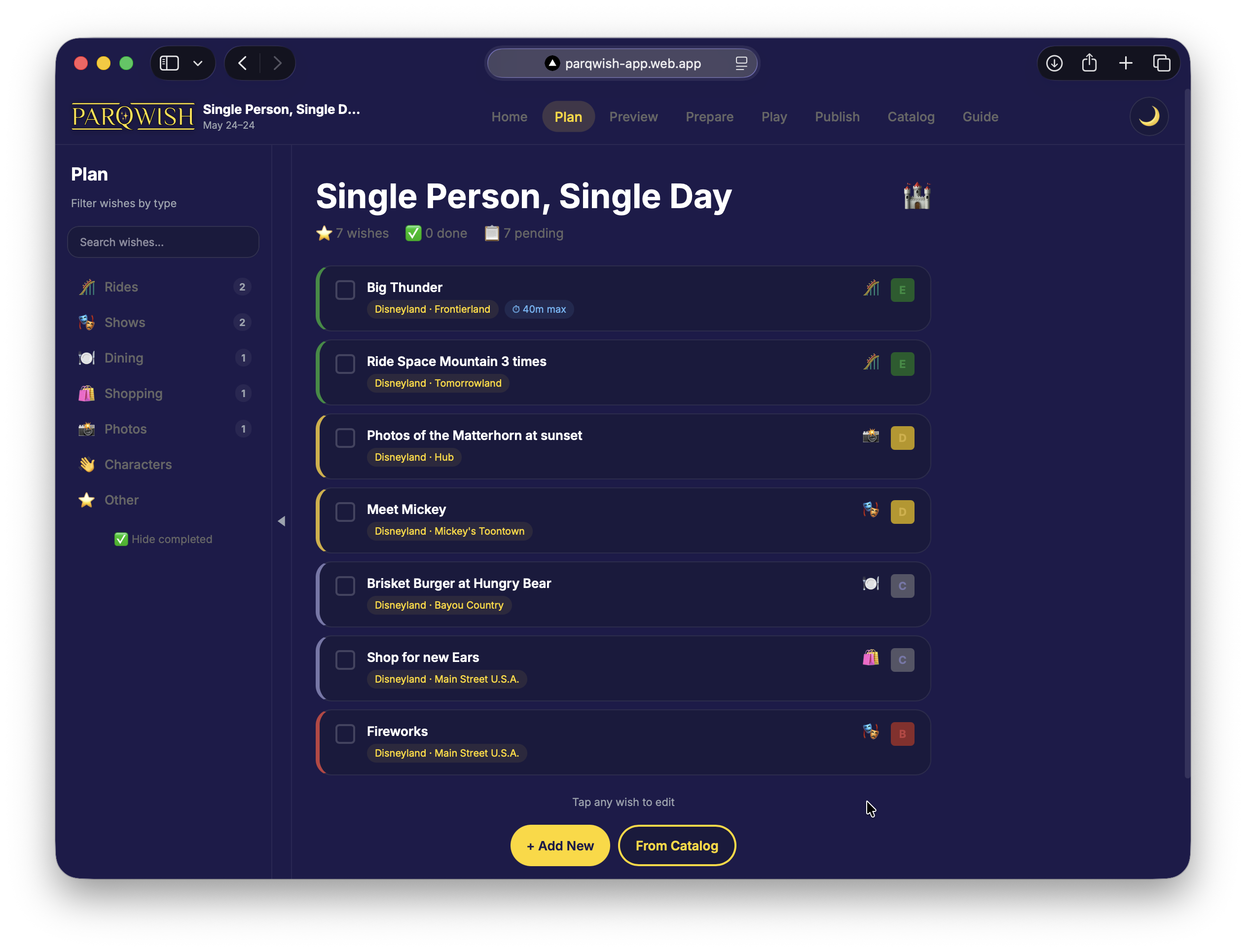
Switch the active user in the sidebar before adding wishes — new items are stamped with that user's colour. Filter by user to review each person's list in isolation.
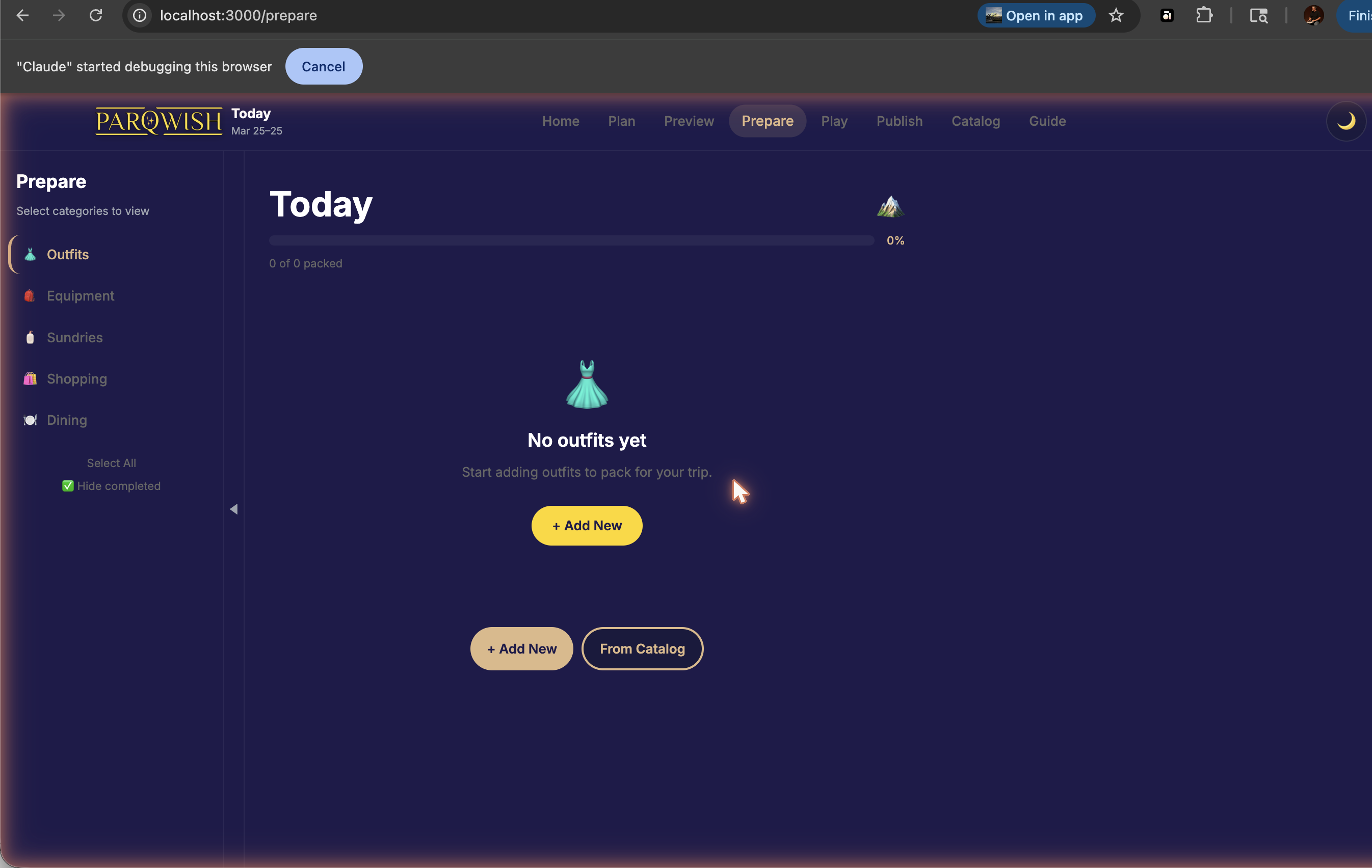
Assign packing items to each person. Each person can own their own checklist.
Build the timeline for each day of the trip.
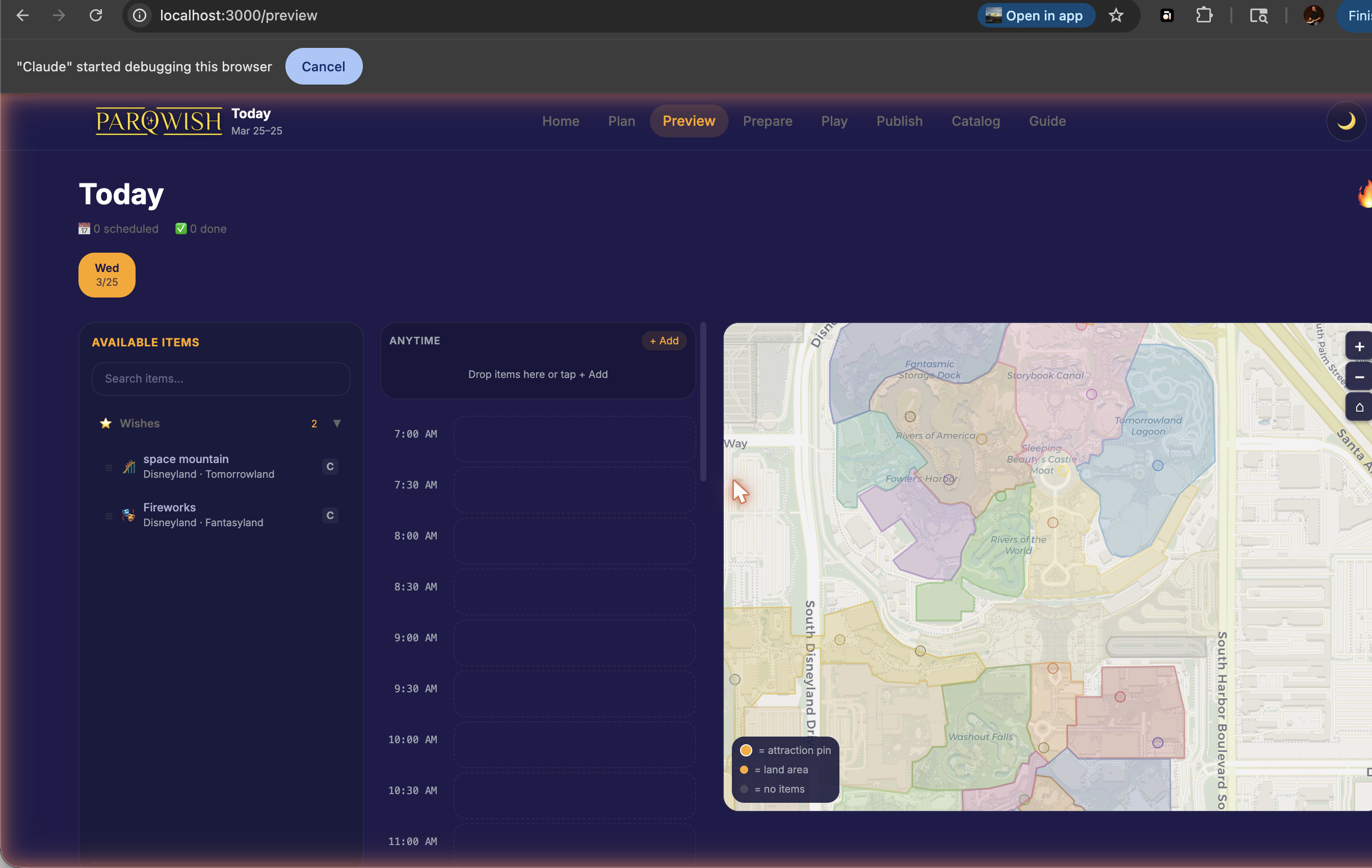
Select each date in the date picker bar and drag items onto the timeline. Schedule shared activities (like a character dinner) once — they appear for all users. Individual rides can be scheduled per person.
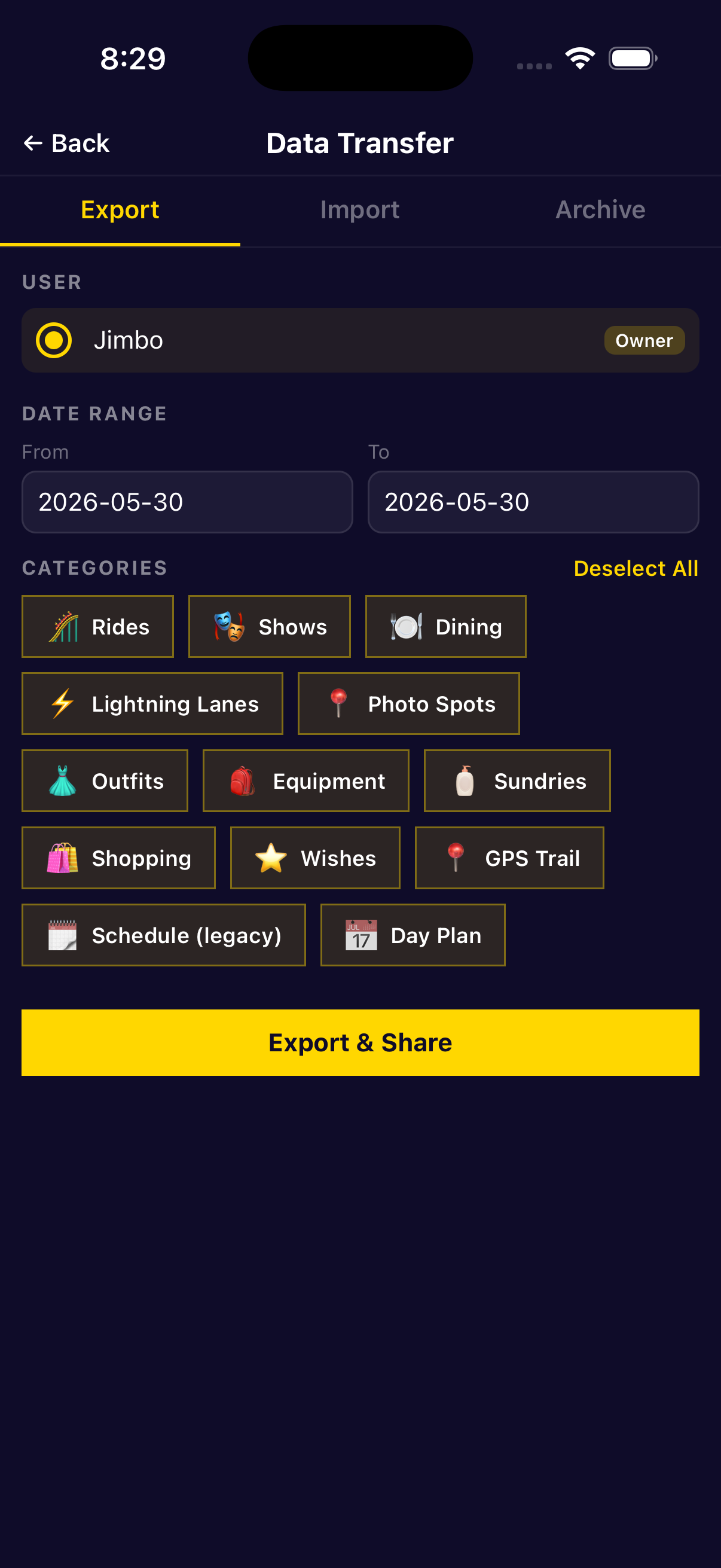
Export, selecting which family members to include. Each person gets their own sync file.
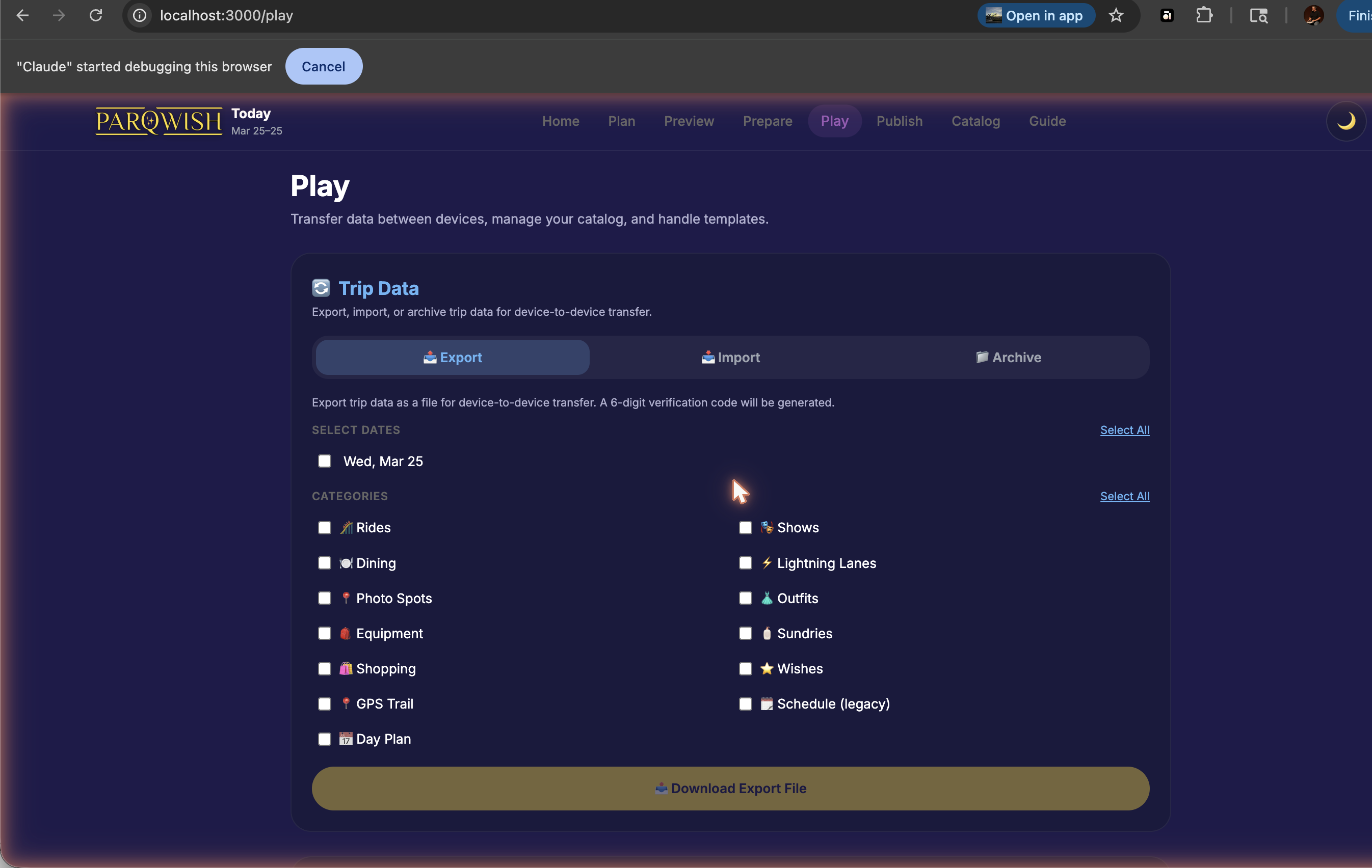
On the Export tab, check the boxes next to each family member you want to include in the file. If everyone is sharing one phone, export all users together. For separate phones, export one user at a time.
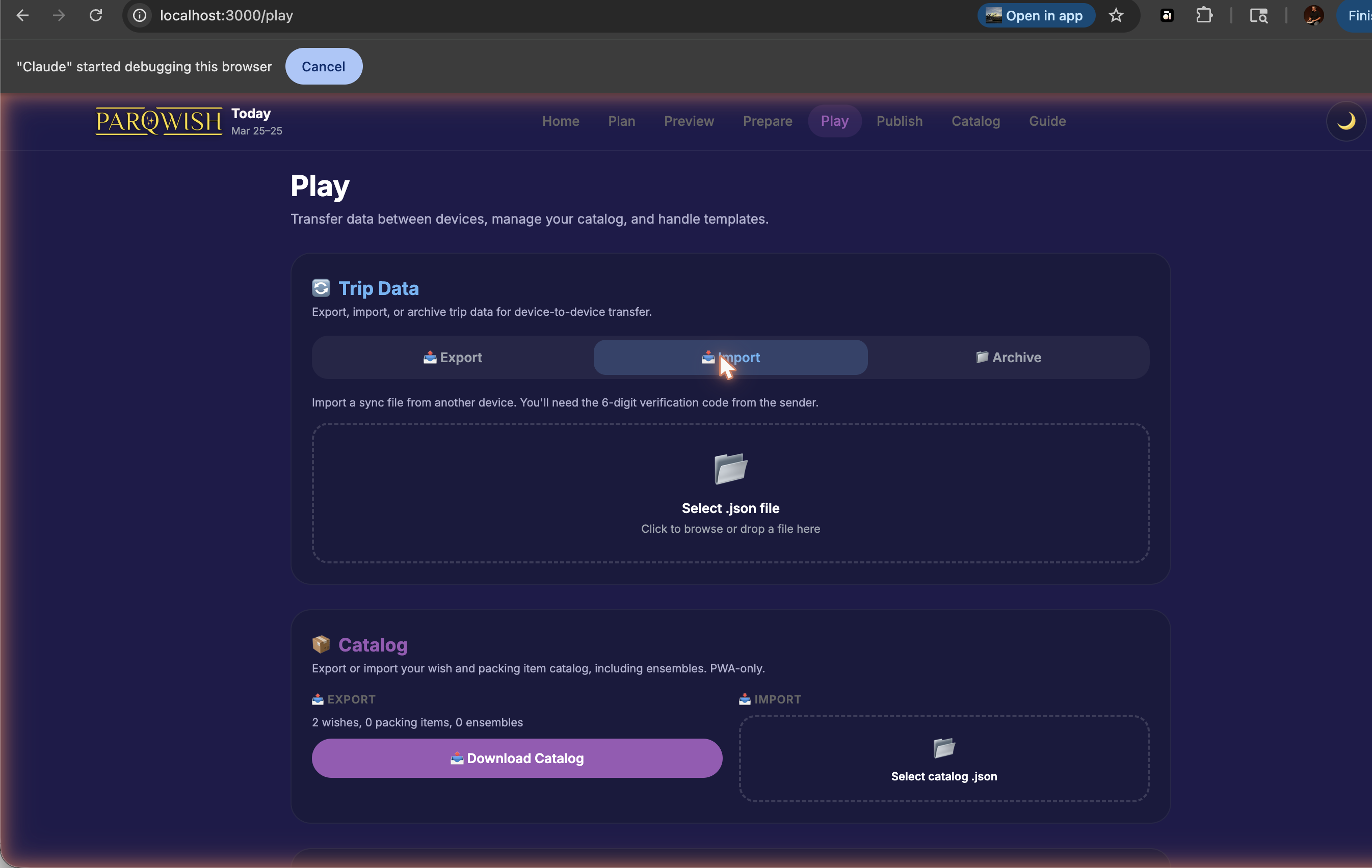
Each person imports their own sync file and verifies with the 6-digit code.

Each person uses their own phone to track their day — wait times, completions, photos.
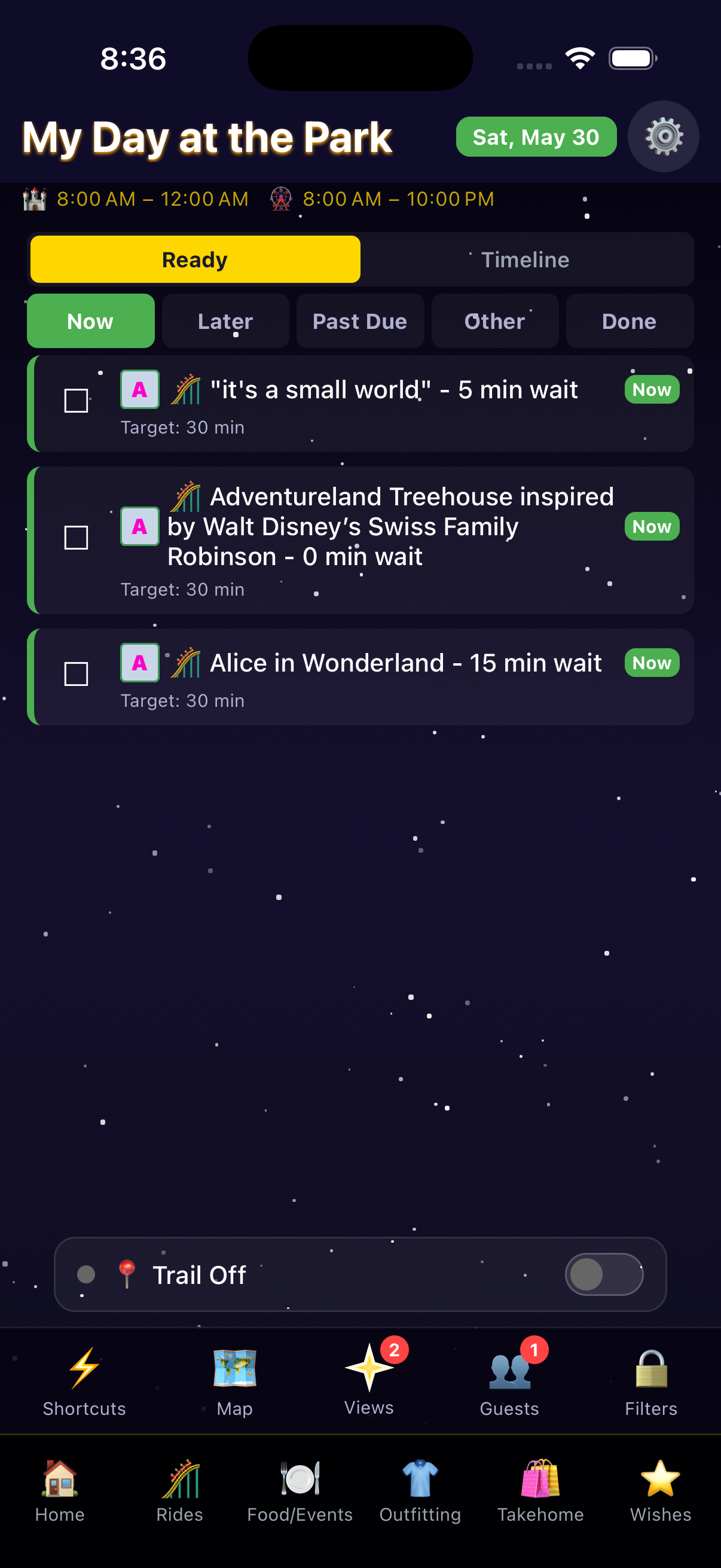
Shared dining reservations show on everyone's timeline at the same time. Individual ride preferences stay separate.
At the end of each day (or the whole trip), each person exports their data back.
Import each person's sync file. Choose Merge to combine everyone's data without overwriting.
View the combined family recap with per-person stats, all photos, and everyone's GPS trails.
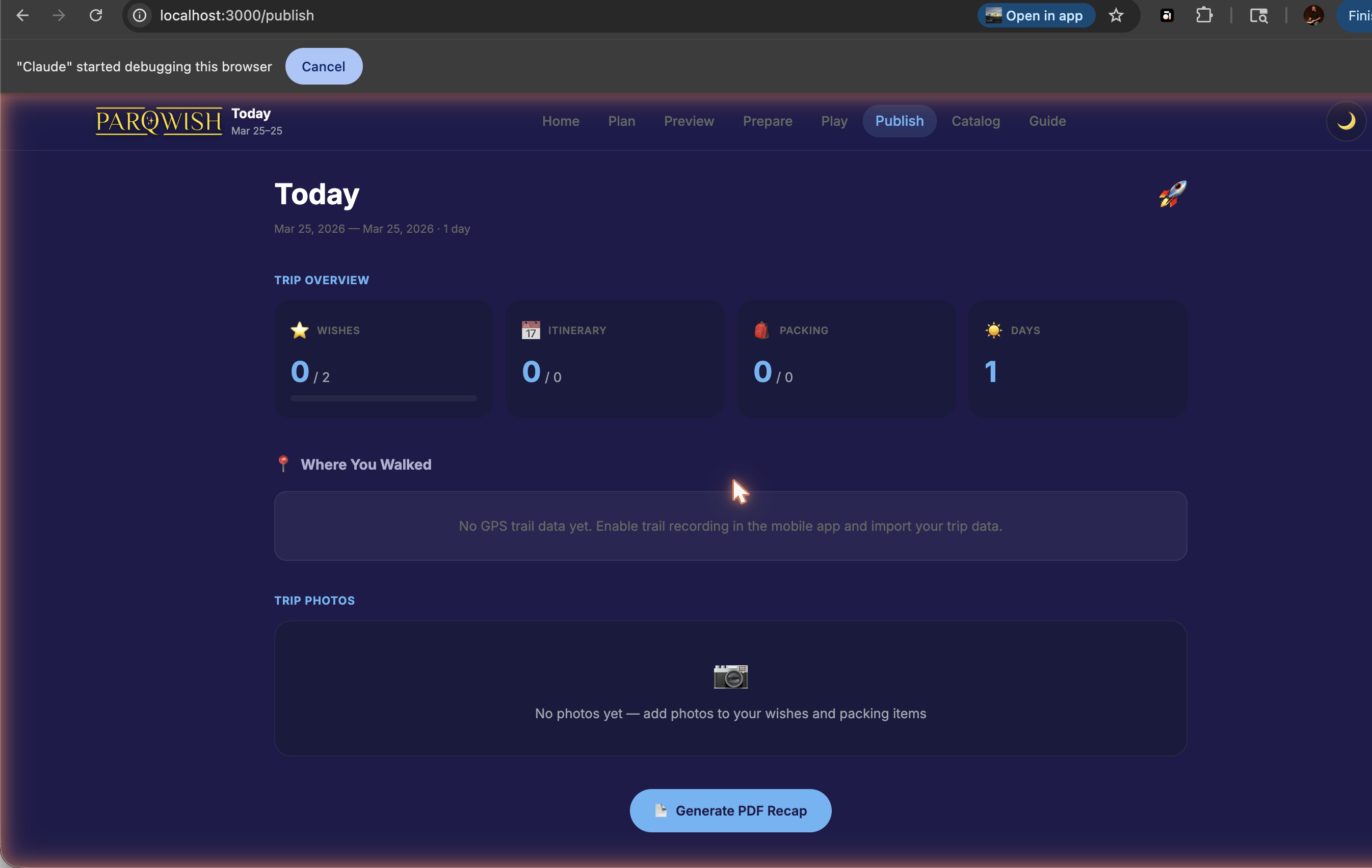
The Publish page aggregates across all users. The PDF export includes one map page per day showing all trails and completed attractions.
A combined family trip record with each person's achievements tracked separately, all photos in one gallery, and a multi-day PDF recap.